

When you send emails to customers or vendors or employees, either as simple communications or with reports or forms attached, you can maintain and view the list of emails before and after they are sent, and easily recall previous emails for the purpose of resending.
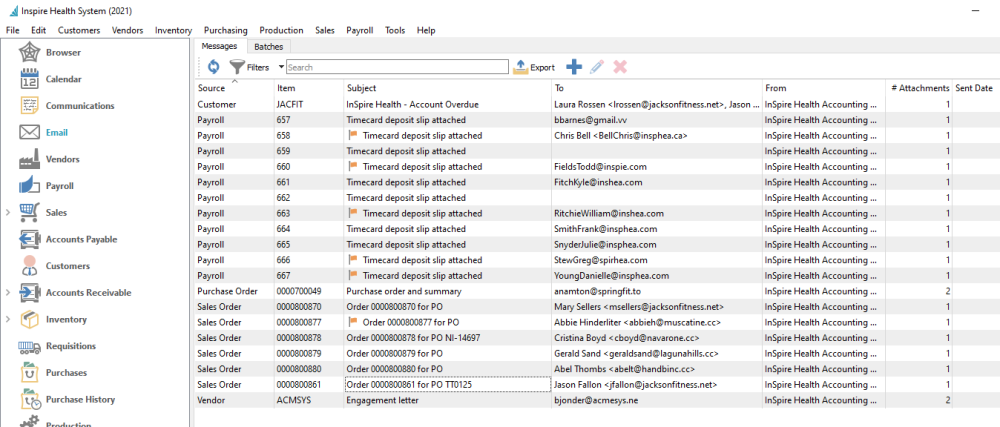
Emails can be sent with consistent information in the title and body through the use of Email templates, including the ability to determine a default template whenever a particular type of email is composed.
Not only can emails be sent individually, but they can also be maintained in batch groups, where changes to a batch template can affect all emails in the group simultaneously. And when editing an email, you can open the related customer, vendor, employee or transaction record associated with the email.
Before emails can be sent, the method for sending them must first be configured. For more information on how to do this, read the respective manual topics on SMTP setup in Server Admin, Company Settings or User Settings. Note that the SMTP setup from the Server Administration is the preferred method for configuration, and Company and User Settings are available primarily for legacy reasons.
You can also configure an integration with SendGrid in order to manage email sending more efficiently. Read the manual topic about SendGrid for more information.
Video Instruction